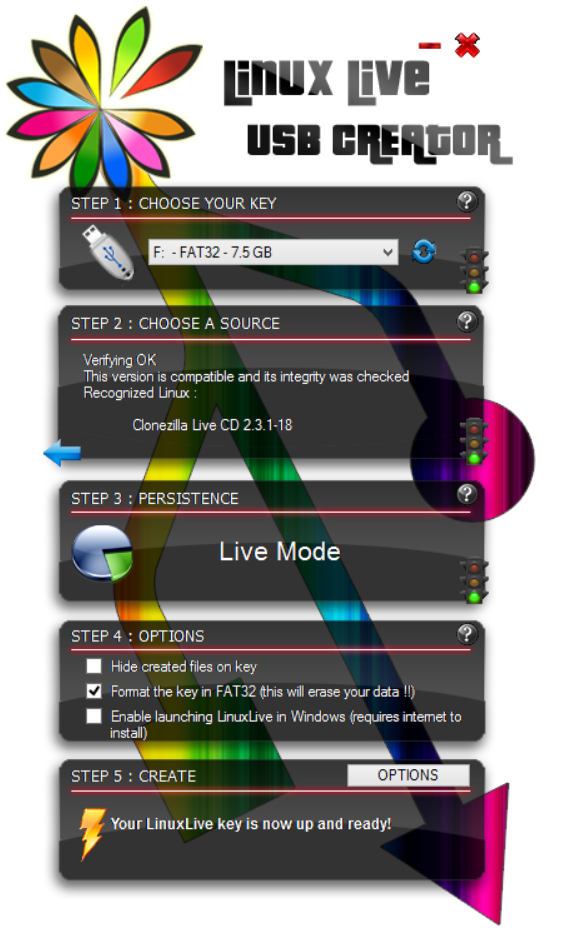
LinuxLive USB creator
Create Clonezilla live USB flash drive by LinuxLive USB creator
Create Clonezilla live USB flash drive by LinuxLive USB creator
The method D about creating bootable Clonezilla live USB flash on MS Windows with LinuxLive USB Creator. Thanks to Victor Westmann for providing the screenshots.
Start the LinuxLive USB creator program:

LinuxLive USB creator lists the 5 steps:
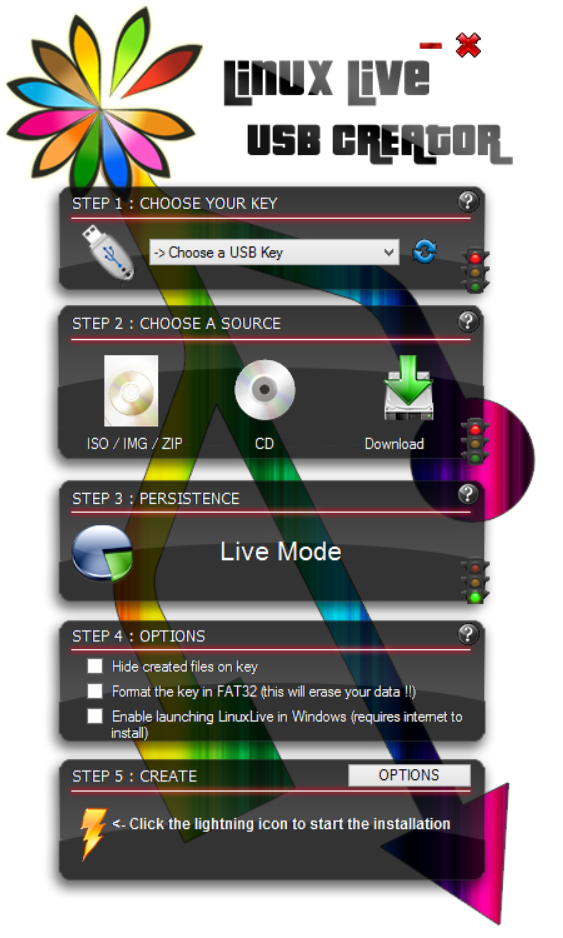
Follow the prompt for step 1 to choose the destination USB key:
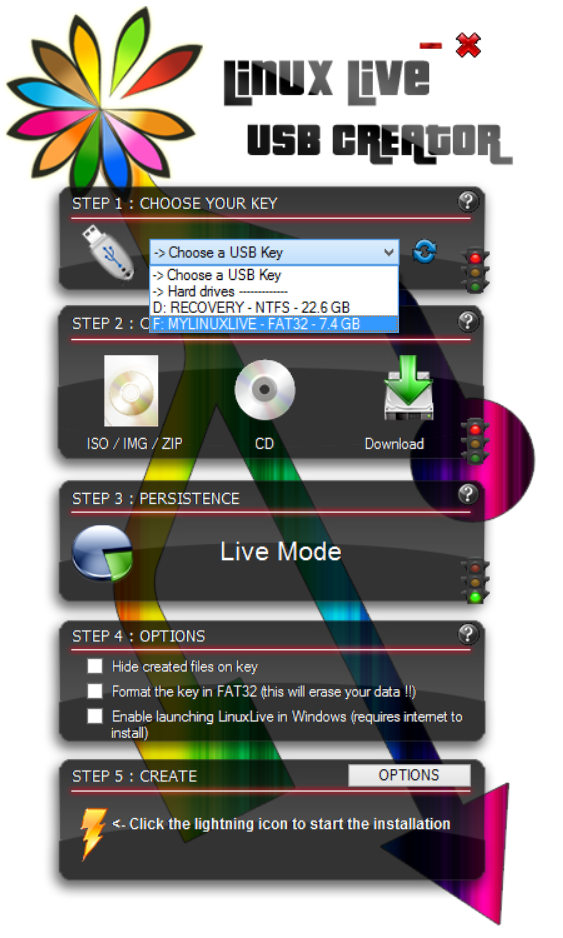
The destination USB key has been chosen:
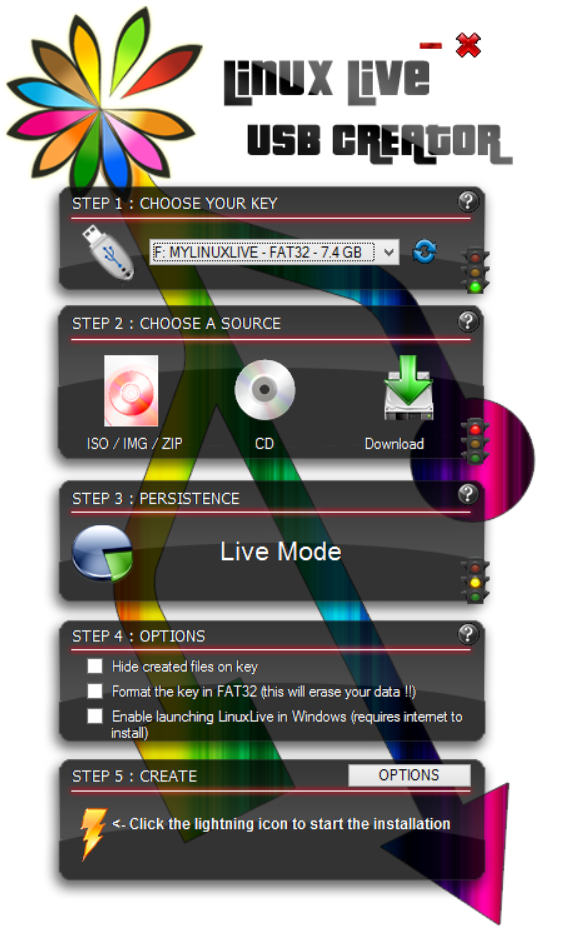
Now step 2, choose the Clonezilla live ISO file:
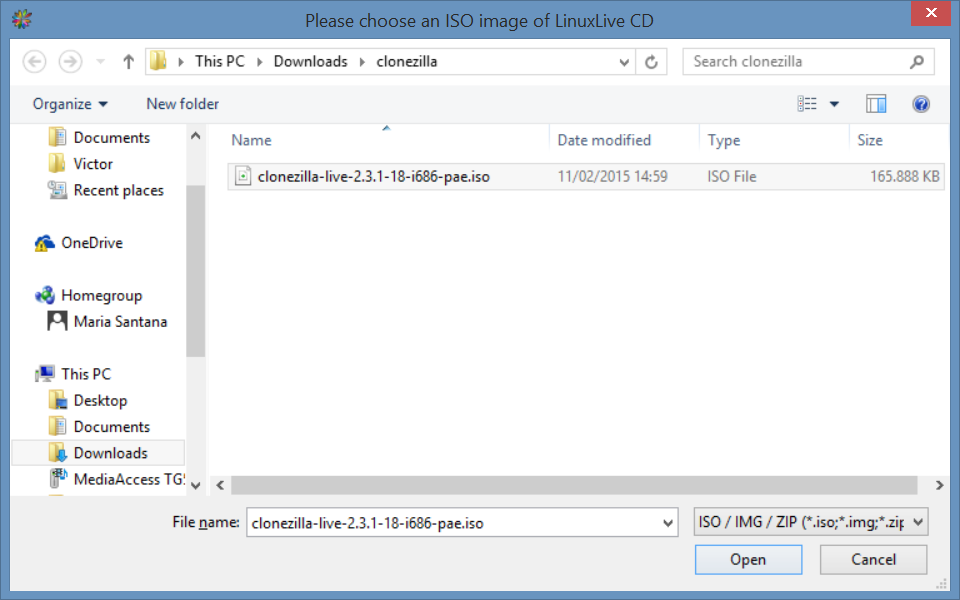
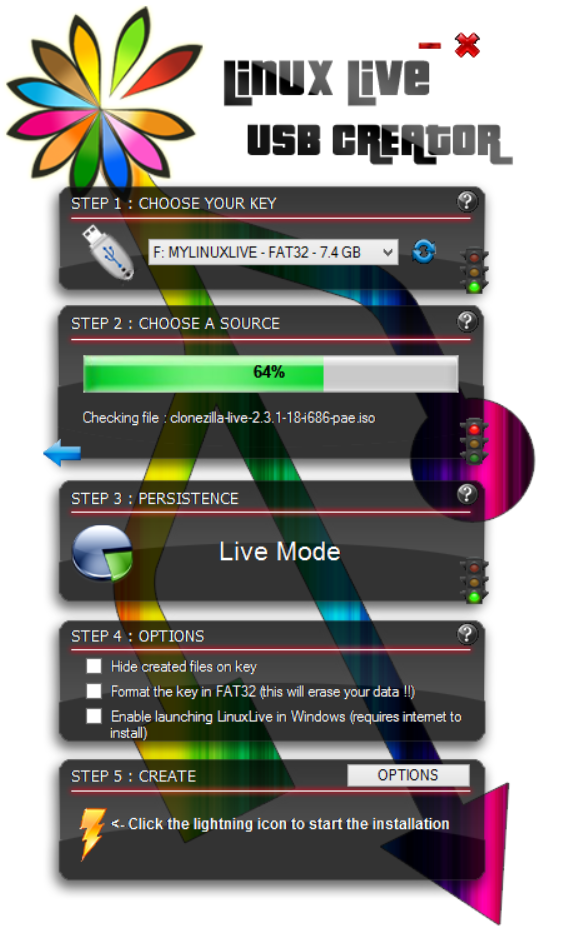
LinuxLive USB creator is checking the iso file:
The iso file check has been done:
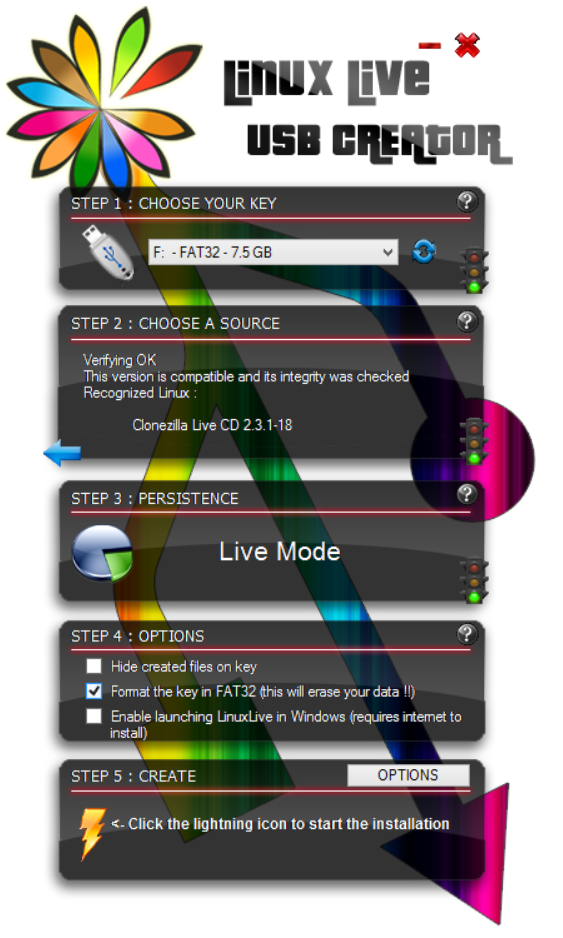
Choose to format the USB key if you like:
Warning
All the data on USB key will be erased
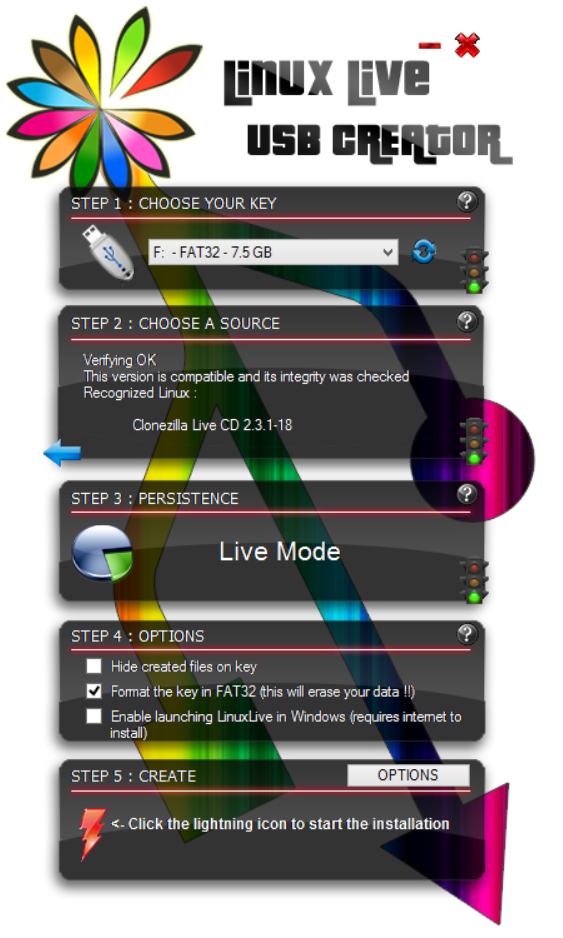
LinuxLive USB creator gives the warning!
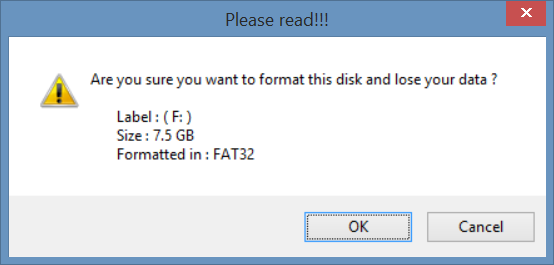
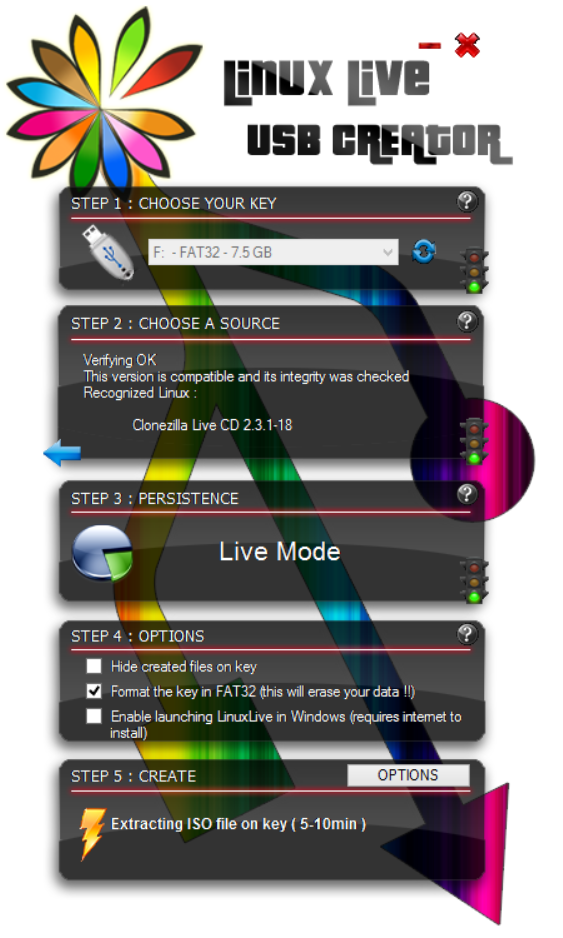
LinuxLive USB creator is extracting the files from iso image:
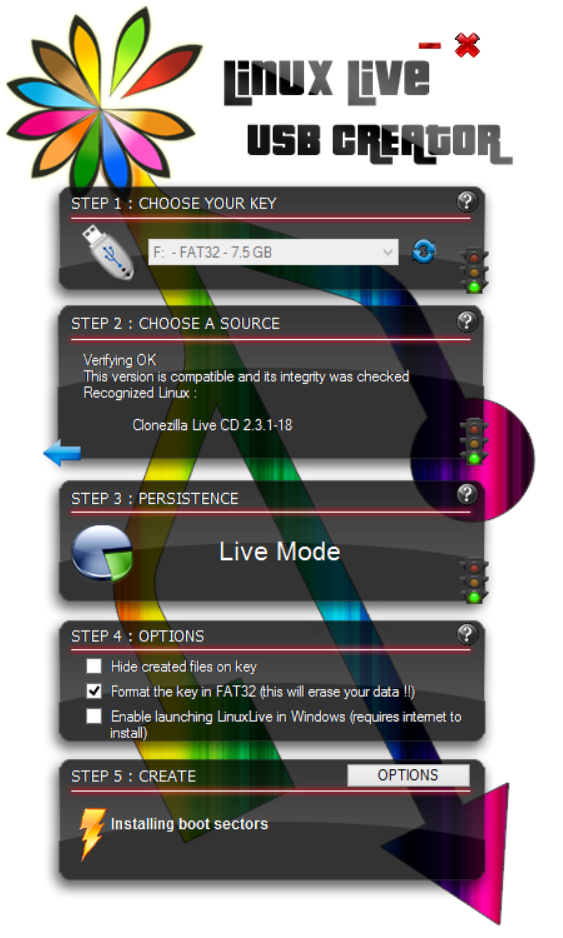
- LinuxLive USB creator is writing the files to USB key:
- Finished!