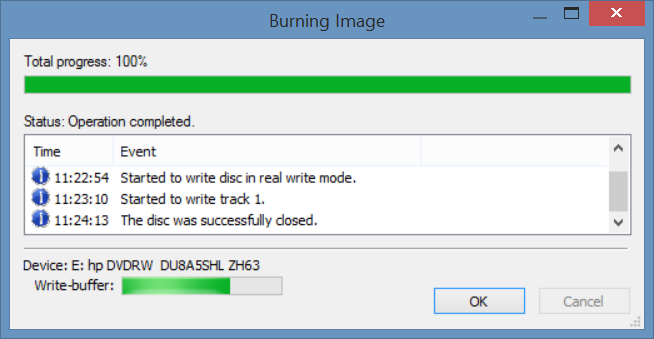
Burn Clonezilla live CD
Create Clonezilla live CD by InfraRecorder
To create bootable Clonezilla live CD on MS Windows with InfraRecorder. Thanks to Victor Westmann for providing the screenshots.
Start the InfraRecorder program then choose
Actions->Burn Image: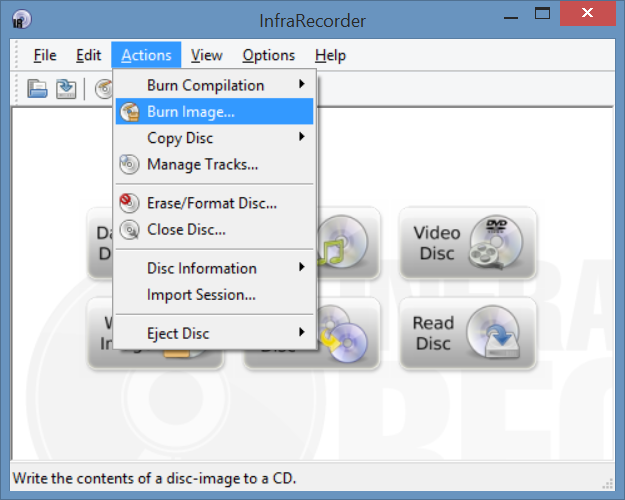
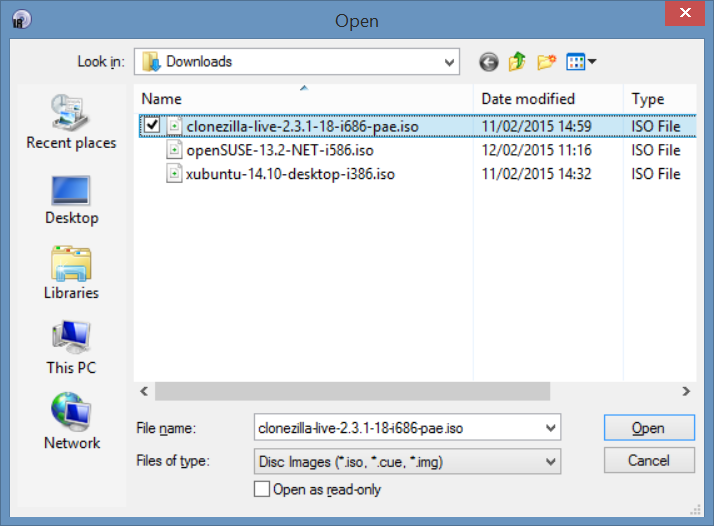
Choose the Clonezilla live iso image file:
Choose the options to meet your requirement:
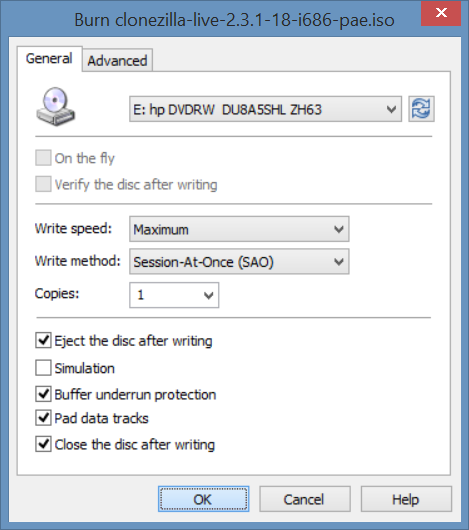
Start burning:
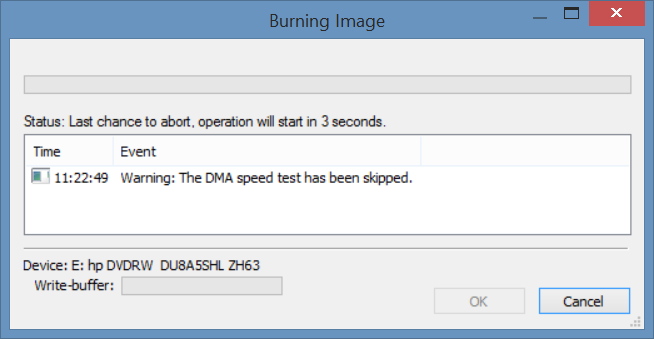
Burning process...:
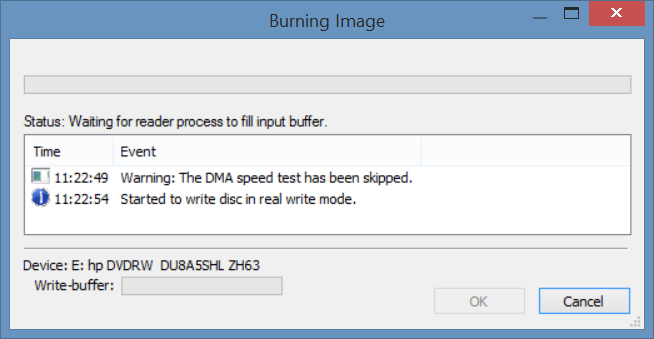
Burning process...:
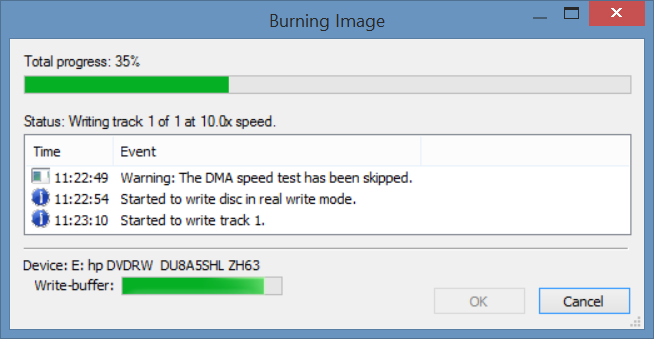
Burning process...:
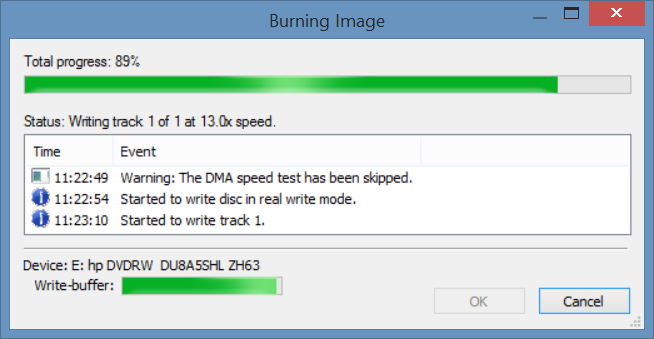
Burning process...:
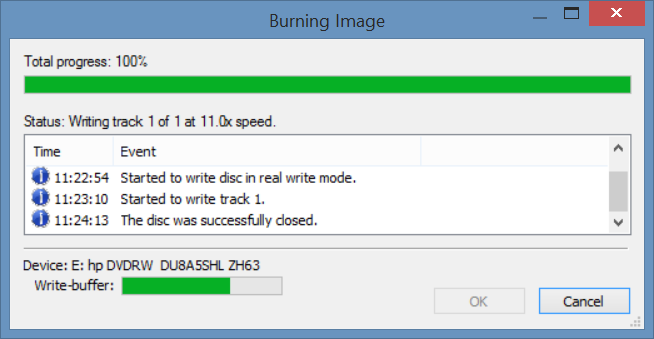
Burning process...: